SPF Record Guide For Defining Authorized
Email Servers And Improving Deliverability
In today’s online landscape, email continues to be a crucial means of communication for both businesses and individuals. However, the growing prevalence of email spoofing and phishing schemes has made it increasingly difficult to ensure that your messages arrive safely in their intended inboxes. One highly effective method to safeguard your email domain and enhance deliverability is to set up an SPF (Sender Policy Framework) record. This record clarifies which mail servers are permitted to send emails on your domain's behalf, thus reducing the risk of spoofing and phishing incidents. Additionally, a correctly configured SPF record boosts email delivery rates by ensuring that legitimate communications reach their destinations.
What is an SPF Record?
An SPF record is a form of DNS (Domain Name System) entry that indicates which mail servers are permitted to send emails on behalf of your domain. It effectively serves as a whitelist for email senders linked to your domain. When an email server receives a message from your domain, it consults the SPF record to determine if the sending server is allowed. If the server isn’t included in the SPF record, the email might be marked as spam or completely rejected.
SPF records are created within your domain’s DNS configuration as a TXT record, following a standardized format to specify the authorized servers. This mechanism helps safeguard against unauthorized individuals sending deceptive emails that seem to originate from your domain, thereby protecting your brand's integrity and shielding recipients from phishing attempts.
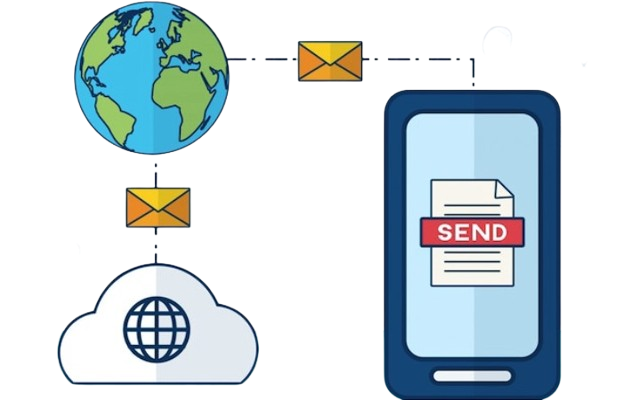
How SPF Improves Email Deliverability
Creating an SPF record offers benefits beyond simply defending against email spoofing; it also greatly enhances your email deliverability. Here's how it works:
- Minimizes Spam Detection: Messages originating from unauthorized servers are frequently categorized as spam. By specifying permitted servers in your SPF record, you lower the likelihood of genuine emails being misclassified.
- Improves Domain Reputation: Email services such as Gmail, Outlook, and Yahoo monitor the sender's reputation. Regularly dispatching emails from approved servers strengthens your domain’s trustworthiness.
- Facilitates DMARC and DKIM: SPF operates in conjunction with DMARC (Domain-based Message Authentication, Reporting & Conformance) and DKIM (DomainKeys Identified Mail), creating a comprehensive email authentication framework that further enhances the chances of your emails reaching the inbox.
Components of an SPF Record
Grasping how an SPF record is structured is essential for proper configuration. Here’s a concise overview:
- v=spf1: Indicates the SPF version in use.
- ip4 / ip6: Identifies the IP addresses permitted to send emails from your domain.
- include: Grants permission to third-party platforms (like Mailchimp, SendGrid, or Gmail) to dispatch emails on your behalf.
- all: Sets the default rule for any servers not included in the SPF record. Possible options are -all (fail), ~all (soft fail), and ?all (neutral).
For instance, an SPF record might appear as follows:
`v=spf1 ip4:192.0.2.1 include:sendgrid.net -all`
This configuration permits emails from the IP address 192.0.2.1 and from any server authorized by SendGrid, while rejecting all others that are not authorized. For a comprehensive guide, visit www.duocircle.com.

Best Practices for SPF Record Implementation
Correctly setting up your SPF record is essential for ensuring security and effective email delivery. Here are some recommended practices:
- Limit Authorized Senders: Only list servers that are permitted to send emails on your behalf to minimize security threats.
- Utilize Includes for Third-Party Services: When using email marketing platforms or CRM applications, use their SPF records instead of adding their IP addresses manually.
- Keep the Record Concise: Since SPF has a limit of 10 DNS lookups, avoid excessive include statements or complex entries to prevent validation issues.
- Validate Before Implementation: Use SPF testing tools to verify the accuracy and functionality of your SPF record before it goes live.
Monitoring and Maintenance
SPF records require ongoing attention rather than being a one-time setup. Consistent oversight is essential to maintain effective email authentication:
- Monitor Approved Servers: If you switch email service providers or introduce new applications, be sure to revise your SPF record.
- Identify SPF Failures: Leverage DMARC reports or email logs to discover any servers that do not pass SPF checks and make necessary adjustments.
- Steer Clear of Lenient Configurations: Implementing settings like ?all or +all can permit unauthorized servers to send emails on behalf of your domain, undermining your SPF's effectiveness.